
The Crises Control+ App
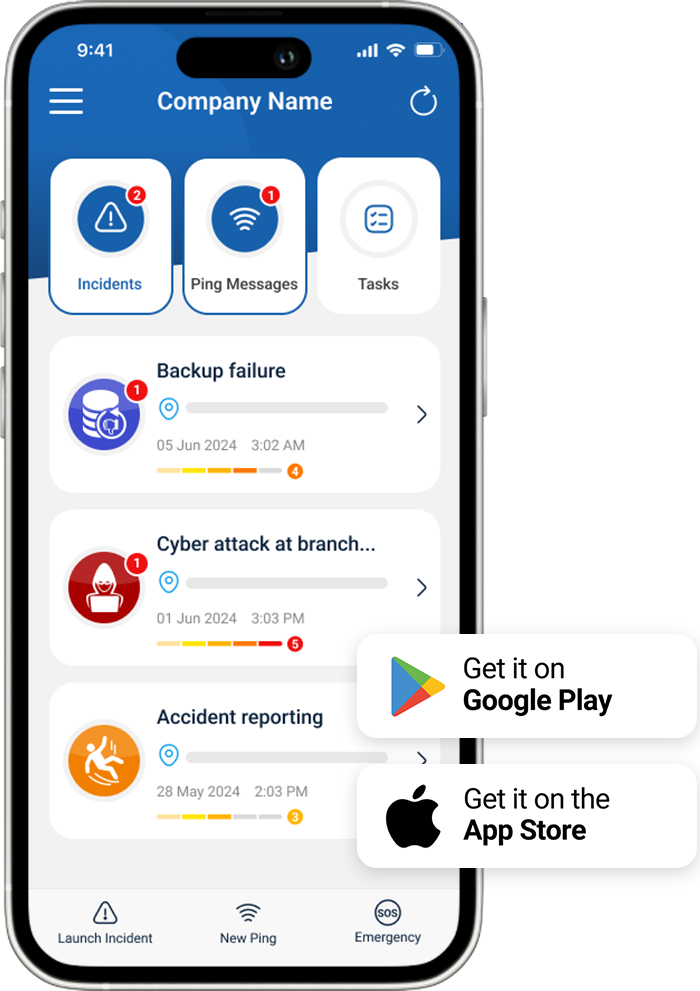
Crises Control Plus is the next generation of our trusted crisis management and communication platform. It’s faster, smarter, and more intuitive, built to deliver when pressure is high.
With AI at the core, Crises Control Plus does more than keep teams connected during emergencies. It empowers users and incident managers with real-time insights and intelligent decision support. This is part of our long-term vision, where AI plays an essential role in helping teams respond faster, reduce mistakes, and handle incidents with greater precision.
You can send alerts instantly through SMS, phone calls, push notifications, and email to any number of recipients. The upgraded Control Centre provides a clear operational view, while dynamic reporting tools capture every step for full transparency and accountability.
The interface is clean and responsive, designed to keep you focused and in control. Crises Control Plus helps minimise risk, protect people, and reduce disruption, whether the threat is operational, environmental, or digital.Stay ready.
Stay informed. Put AI to work with Crises Control Plus.
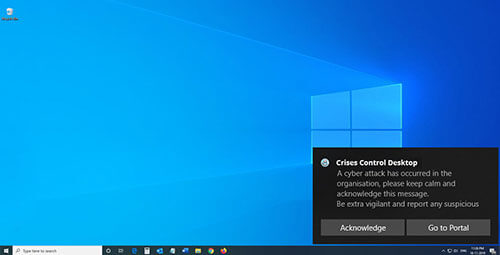
Crises Control Windows Desktop App
Download the Windows Desktop App for free to receive notifications on your desktop.
 Download Windows Desktop App
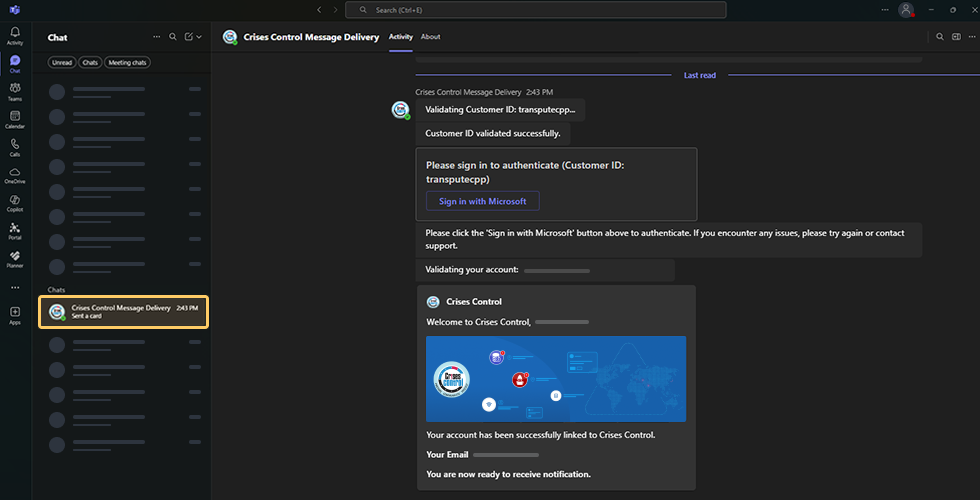
Crises Control MS Teams Integration
Download the Microsoft Teams integration for free to receive notifications on your Microsoft Teams App.
Contact Your Customer Success Manager to Learn More
Why Choose the Crises Control App?
Instant Information Access
When a crisis strikes, time is of the essence. The Crises Control Mobile App puts critical information right at your fingertips. Whether you need access to emergency response plans, contact lists, or real-time updates, our app ensures you have everything you need to act promptly.
Real-Time Notifications
Stay informed with instant notifications. The app allows you to receive alerts and updates directly to your device, keeping you in the loop regardless of where you are. This feature is essential for coordinating responses during emergencies, allowing you to make informed decisions quickly.
User-Friendly Interface
Designed with simplicity in mind, the Crises Control Mobile App is easy to navigate, making it accessible for all team members. From managers to front-line staff, everyone can use the app to understand their roles during a crisis, ensuring a cohesive response effort.
Collaborative Features
Effective crisis management requires teamwork. The app enables seamless communication among team members, allowing for easy collaboration during emergencies. This collaborative approach enhances your team’s ability to manage crises efficiently.
Access Emergency Plans
Once logged in, users can access pre-defined emergency response plans tailored to their organisation. These plans outline clear steps to take during various types of crises.
Task Management
Receive tasks directly within the app. Team members can check off completed tasks, providing visibility into the progress of the response effort.